
Start with your team
Create the group and invite your agents. Leads, listings and performance work straight away.
Start in minutes; the ERP part takes 30-40 minutes
Create the group and invite your agents. Leads, listings and performance work straight away.
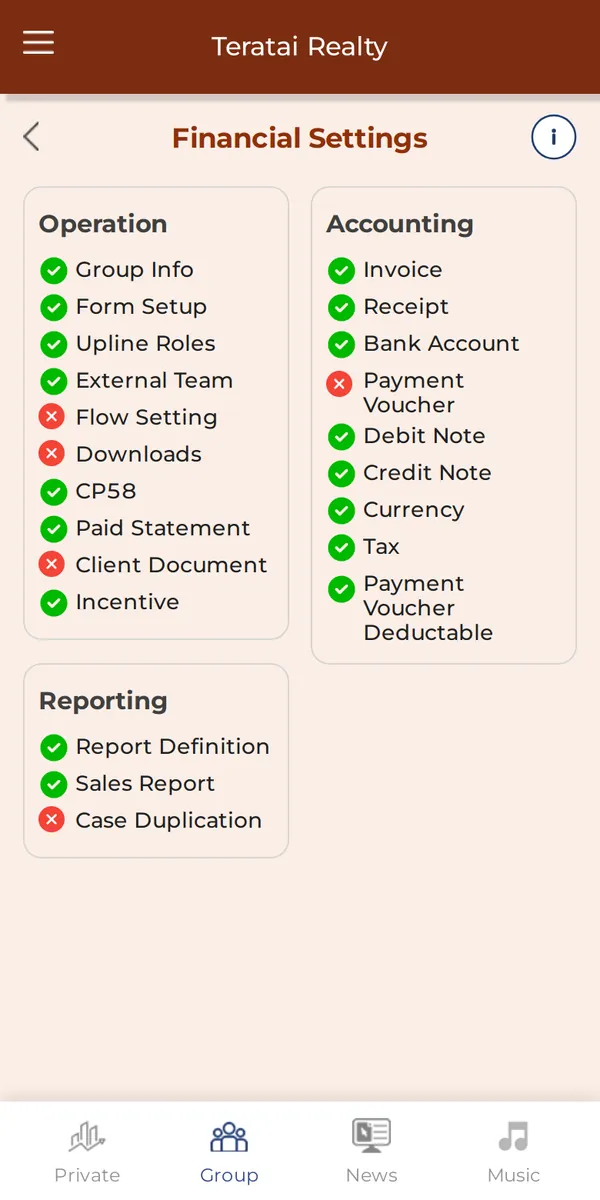
About 15 minutes. Your invoice, receipt, bank account, tax and payment rules.
Why it matters: Only needed for the ERP.
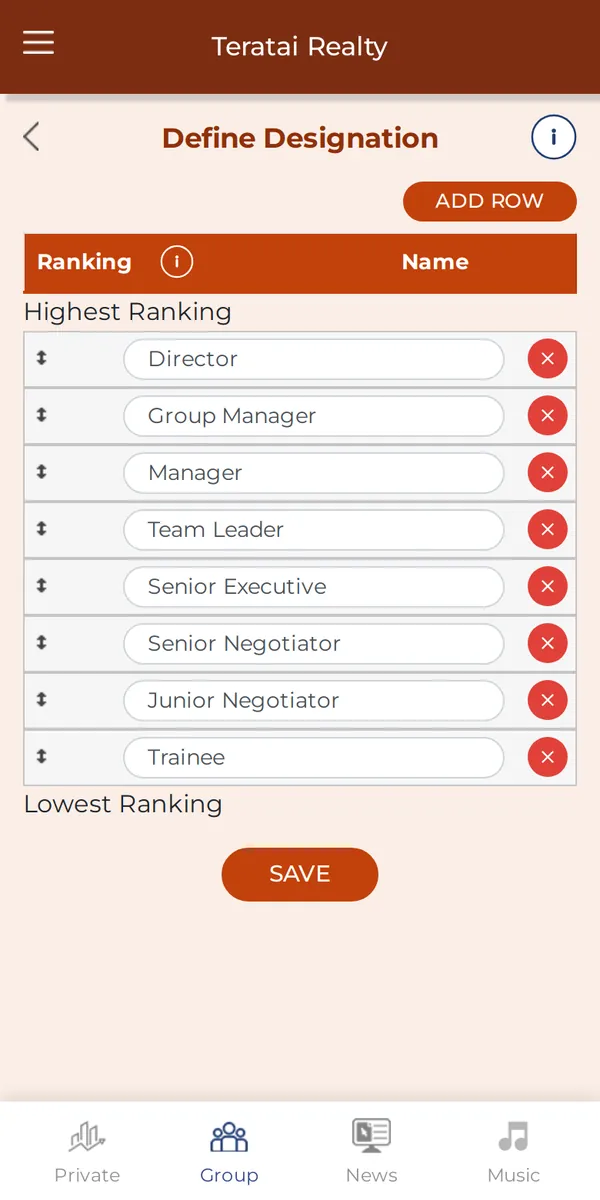
About 3 minutes. Your ranks, from lowest to highest.
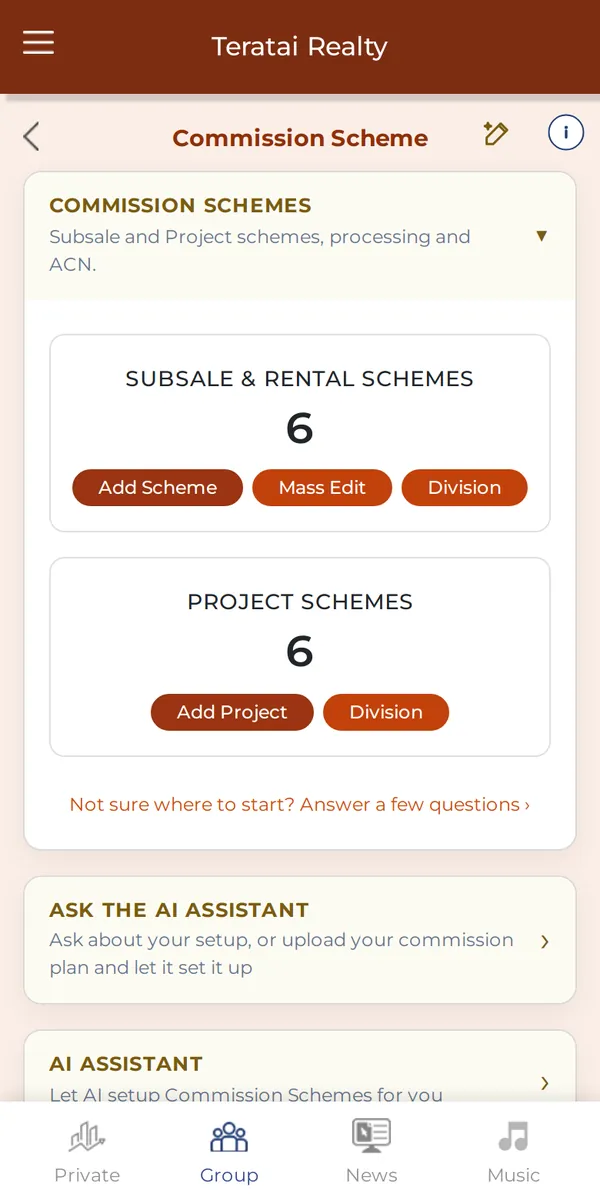
About 10 minutes per scheme. How commission is split for each rank. The guided setup and the AI assistant help.
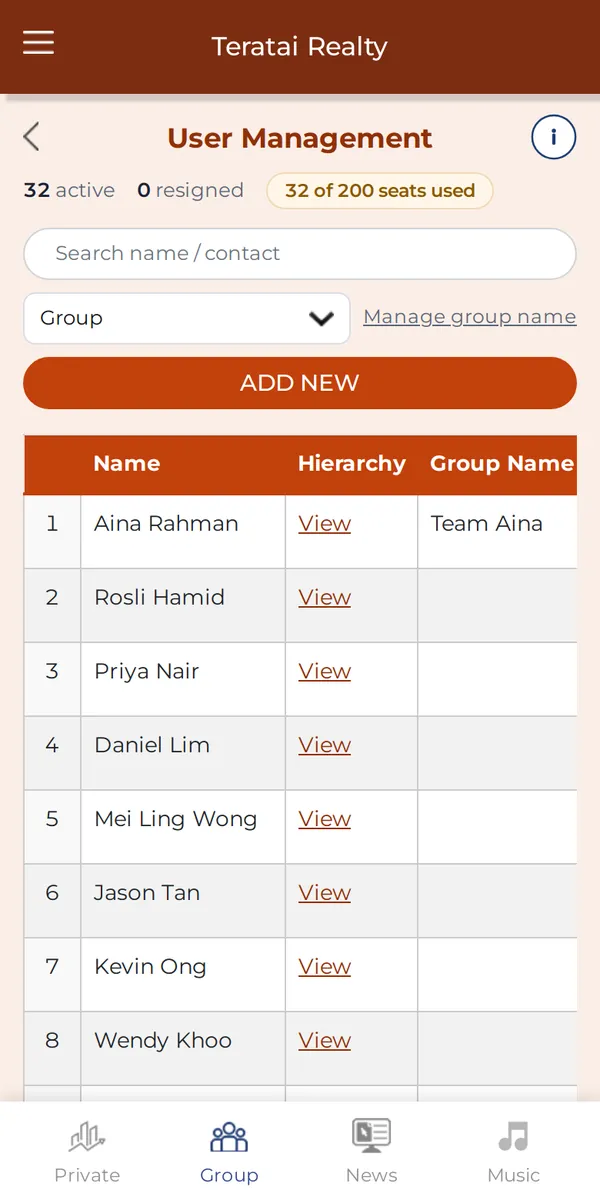
About 1 minute per person. Give each their designation and upline.
Why it matters: Most teams have the ERP running in 30-40 minutes.
Screens show a demo agency with made-up names and listings.