
Member count
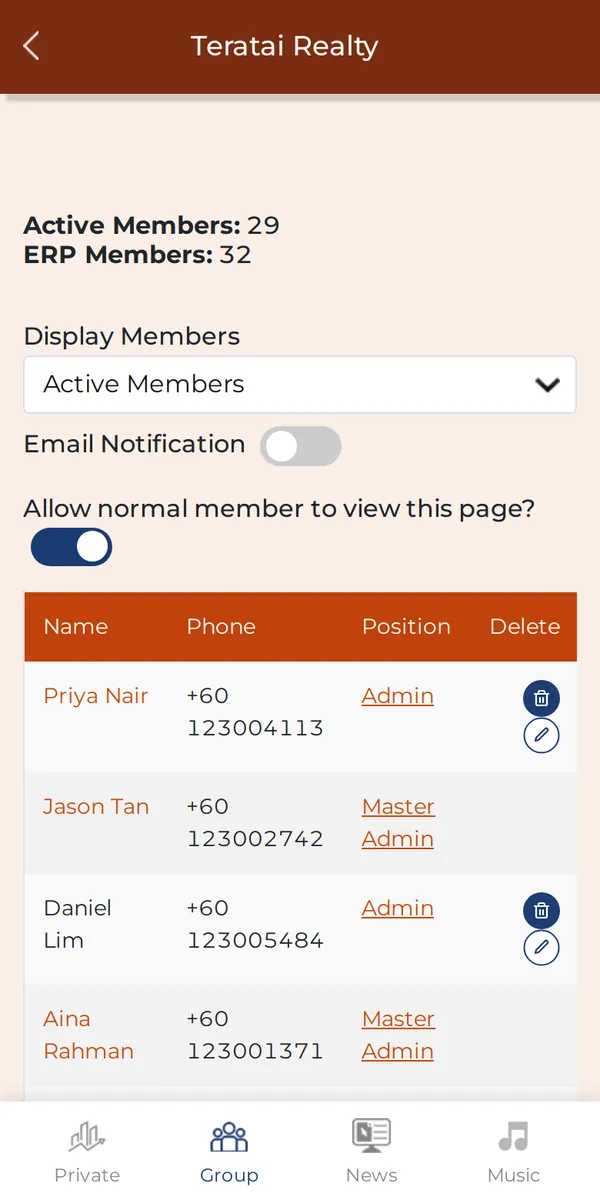
How many members the group has. The admin chooses what it counts: everyone who joined, only members set up in the ERP, or hide it.
Why it matters: The admin sees the team size at a glance.
Members, and switching groups
How many members the group has. The admin chooses what it counts: everyone who joined, only members set up in the ERP, or hide it.
Why it matters: The admin sees the team size at a glance.
Group Members: who is in, their access, Admin or Member, and removing someone. Admins only, unless the admin lets members see it.
Why it matters: One place to manage who is in and what they can do.
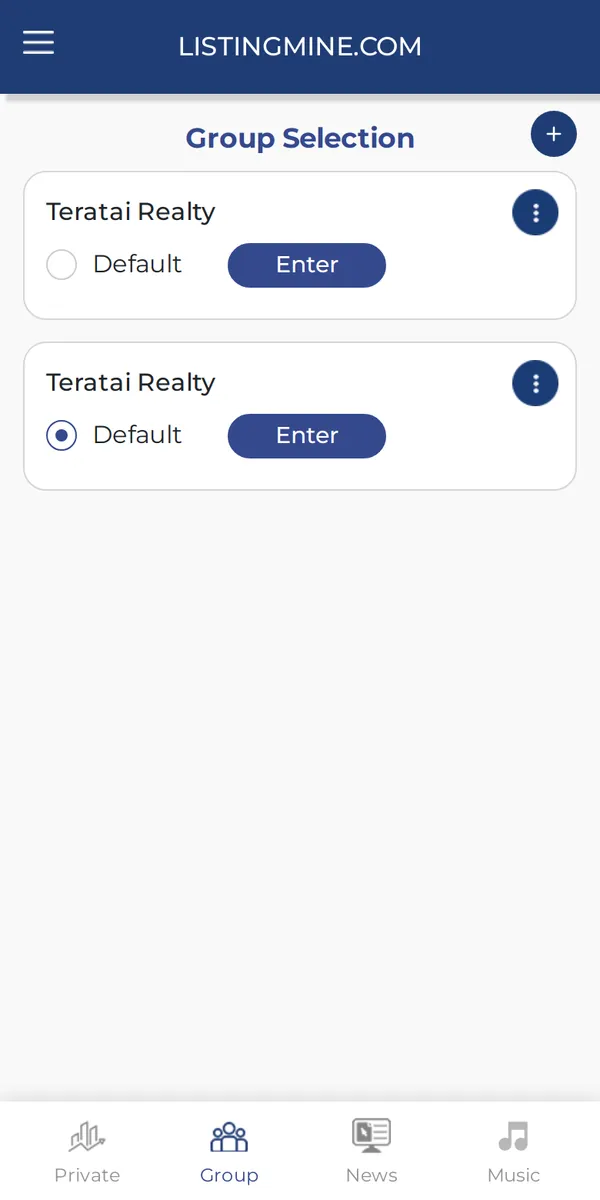
Group selection: switch to another group, set your default group, edit the group name and pictures, or leave.
Why it matters: One login for every team or agency you belong to.
Everyone sees Agent function. Only admins see Administration. Some items also need the admin to switch on your ERP access; without it you see a No Permission message.
Why it matters: Agents see only what they need; money settings stay with the admins.
Screens show a demo agency with made-up names and listings.