← How to use it

Add a listing, record buyers, keep in touch

1. Add a listing

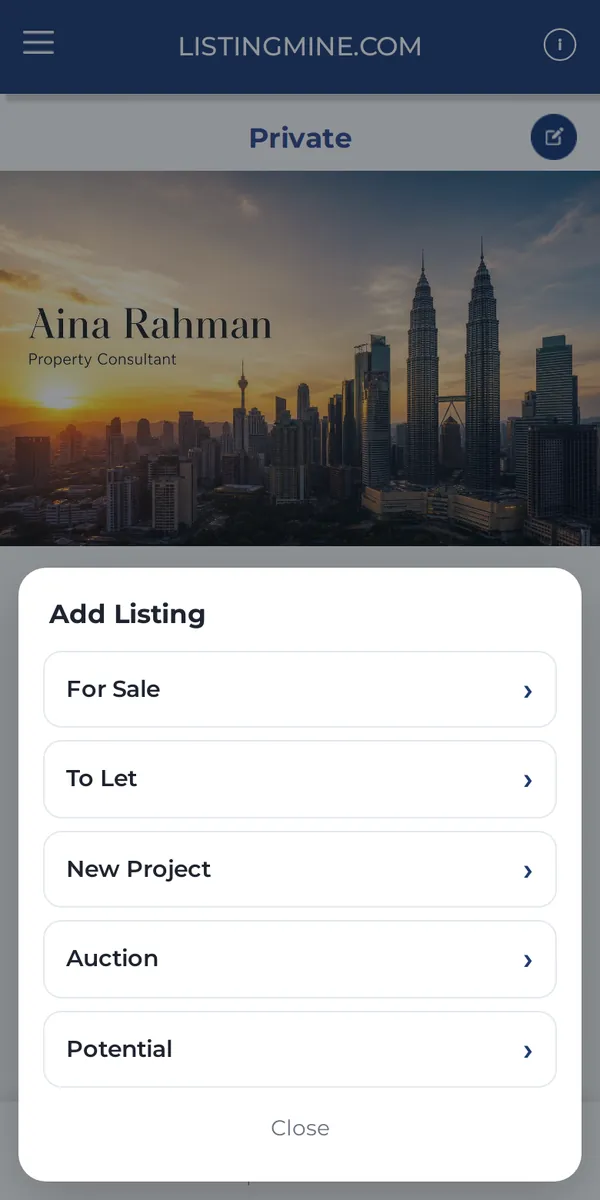
Tap + next to Listing and choose the type. Type the owner's name and phone at the top of the form, fill in the property and drop the pin. The owner is saved to Contact for you.

Why it matters: No need to create the contact first. Same phone = same owner, so nothing is duplicated.
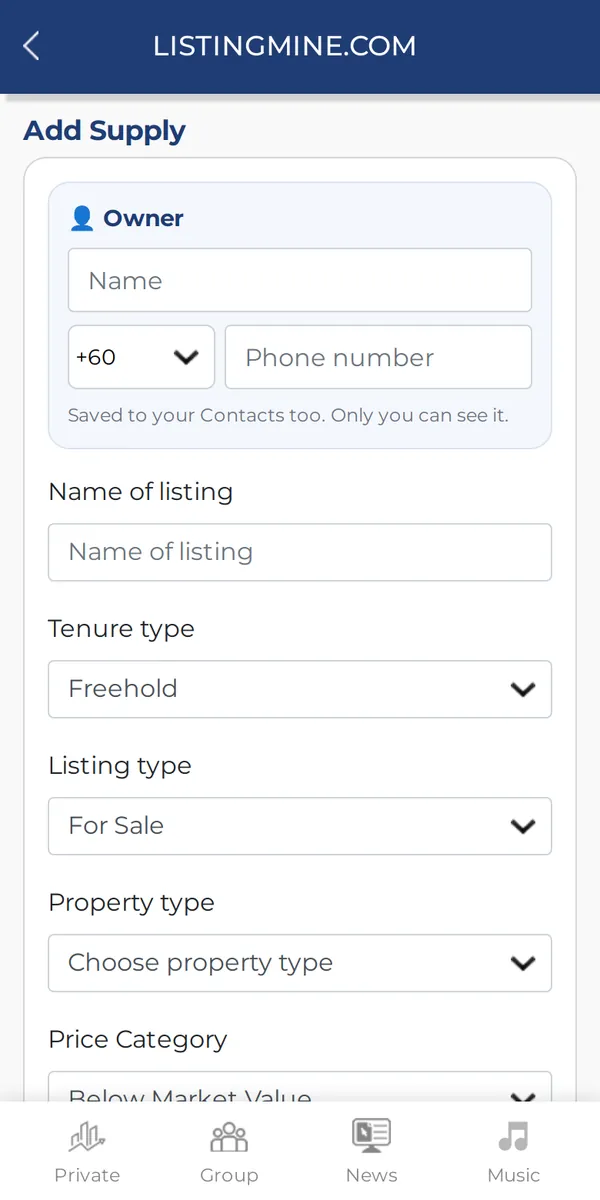
1. Add a listing — How to use it 1. Add a listing — How to use it

2. Record what buyers want

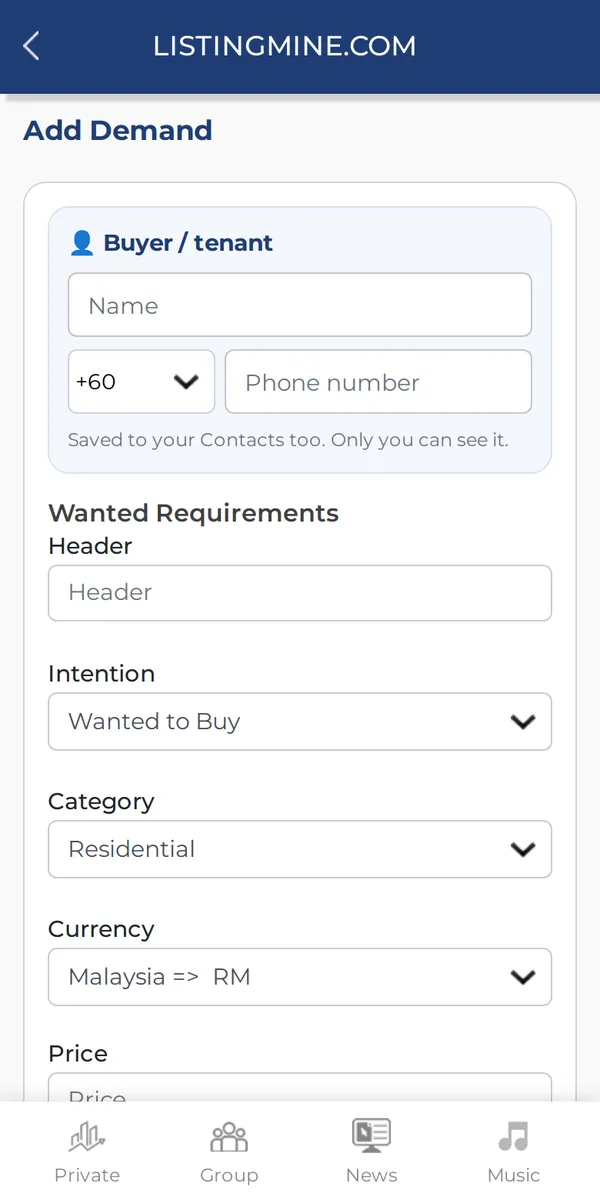
Tap + next to Wanted, choose To Buy or To Rent, and type the buyer's name, phone and what they are looking for.

Why it matters: When a matching property comes up, you know who to call first.

2. Record what buyers want — How to use it

3. Keep in touch

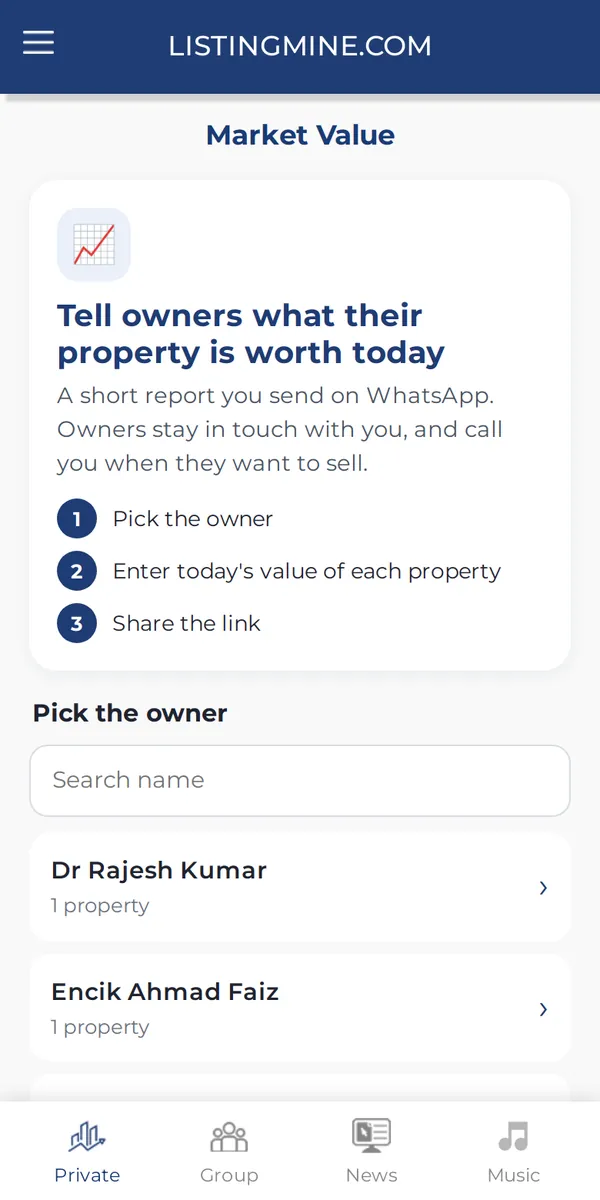
Send owners a Market Value update, and watch Tenancy for renewals coming up.

Why it matters: Owners who hear from you call you first when they decide to sell.

3. Keep in touch — How to use it

4. Share when you choose

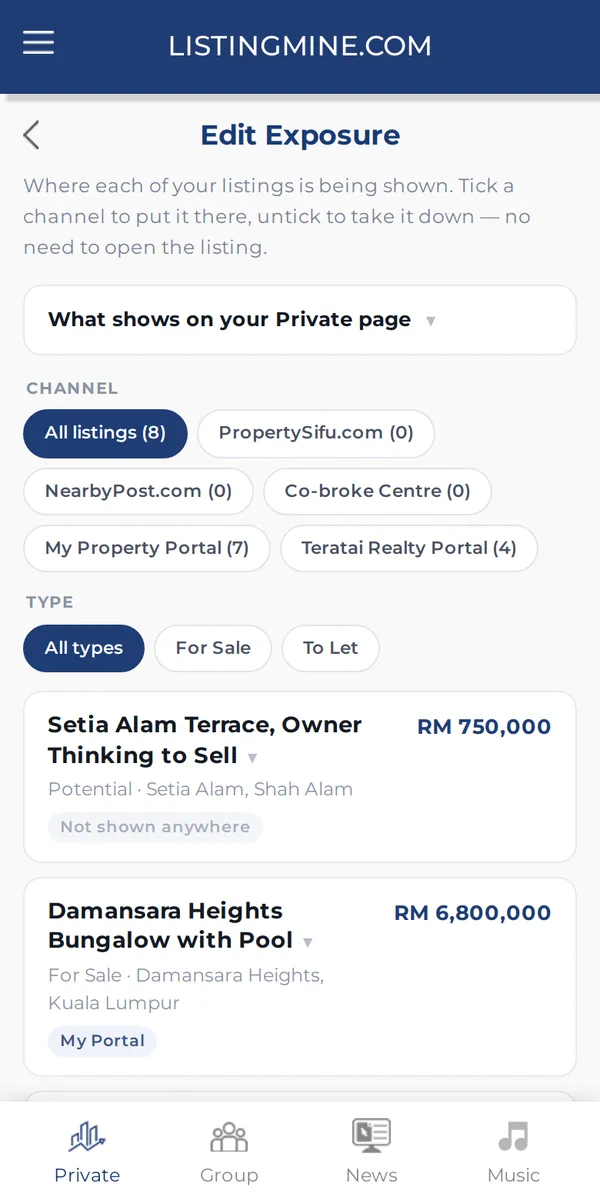
Every listing starts private. Switch on the channels you want, one listing at a time or many at once in Exposure.

4. Share when you choose — How to use it

Screens show a demo agency with made-up names and listings.