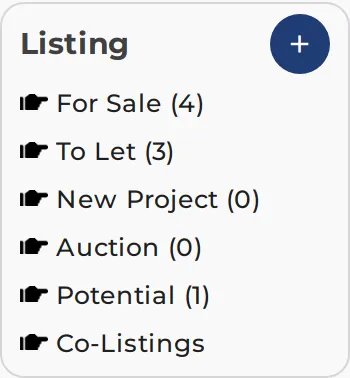
← Listing

Your own properties: sale, rent, project, auction, potential

Listing — ListingMine Private

+ (Add listing)

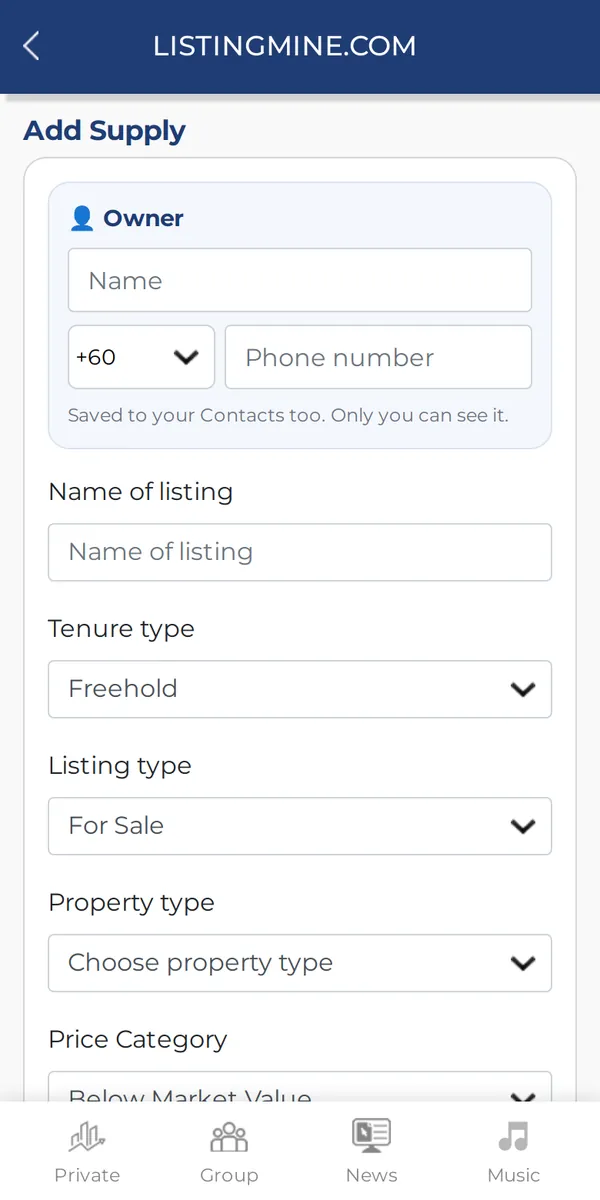
Adds a property in under a minute. Choose the type, type the owner's name and phone at the top, fill in the property and drop the pin on the map. The owner is saved to Contact automatically.

Why it matters: You think about the property, not about the system. Same phone = same owner, so your contacts stay clean.

  1. Tap + next to Listing
  2. Choose For Sale, To Let, New Project, Auction or Potential
  3. Type the owner's name and phone (or pick a saved contact as you type)
  4. Fill in the property, drop the pin, save
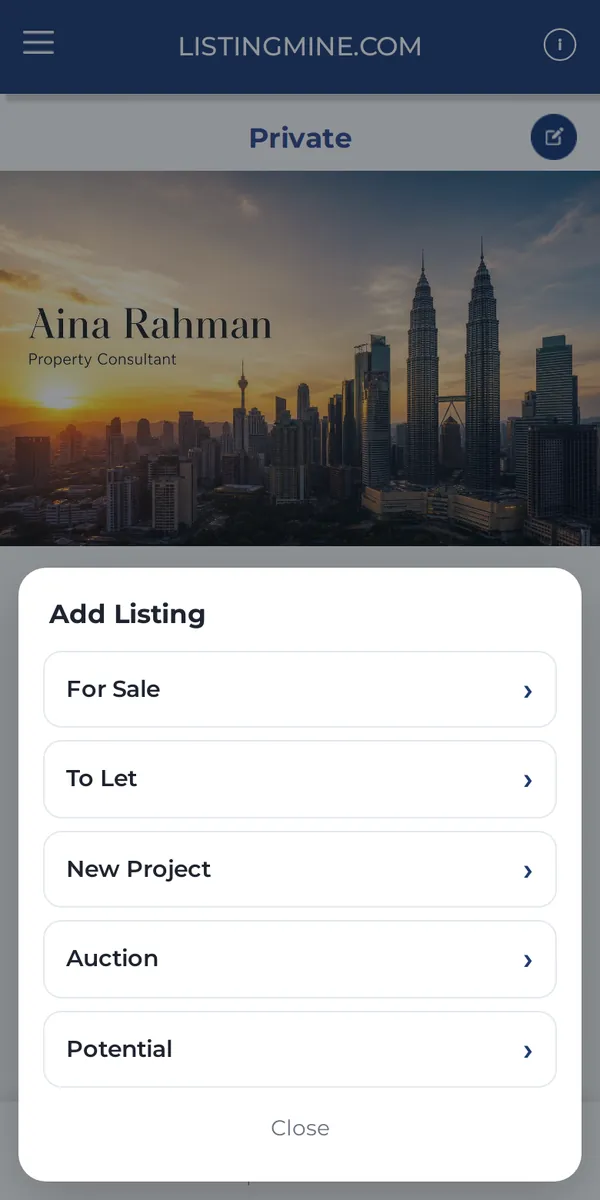
+ (Add listing) — ListingMine Private screen + (Add listing) — ListingMine Private screen

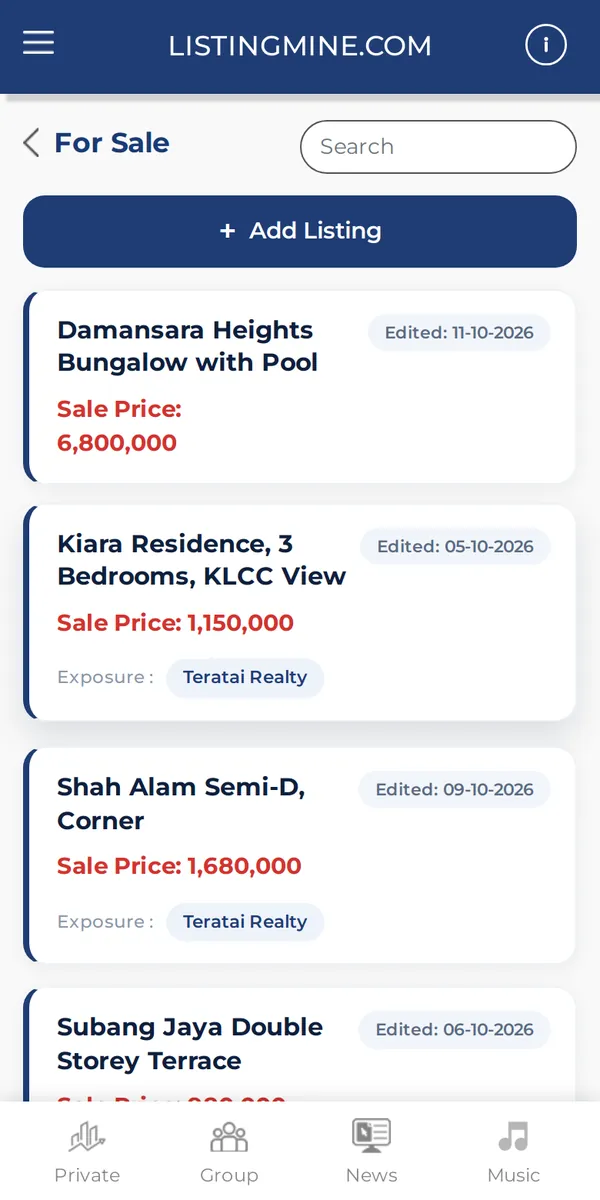
For Sale

Every property you have for sale, newest first, with price and last edited date. A property for both sale and rent shows in For Sale and To Let.

Why it matters: Your stock list is always ready when a buyer calls.

For Sale — ListingMine Private screen

To Let

Every property you have for rent.

Why it matters: Know at a glance what you can offer a tenant today.

New Project

Developer projects you sell.

Why it matters: Keep project units apart from subsale stock.

Auction

Auction properties you follow.

Why it matters: Auction leads stay in one place with their dates and prices.

Potential

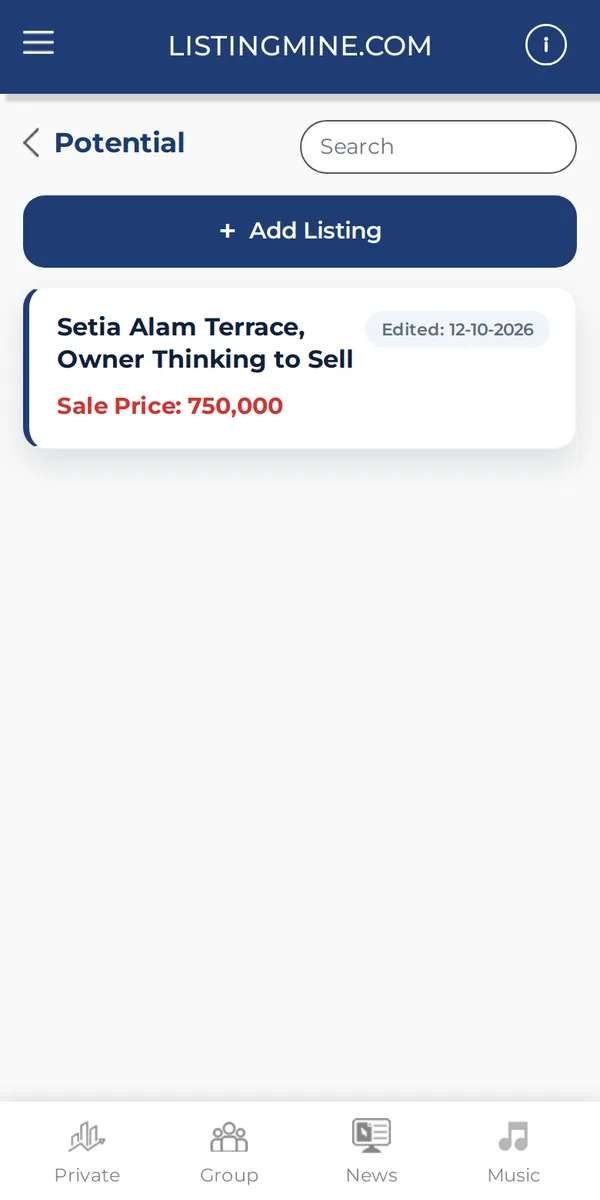
Owners who may sell or rent later, before it is a real listing. Keep them here and follow up.

Why it matters: Today's potential is next year's exclusive listing. Nothing gets forgotten.

Potential — ListingMine Private screen

Co-Listings

Listings and wanted requests other agents shared with you and you saved, grouped by agent.

Why it matters: Work other agents' stock without re-typing it.

Inside a listing

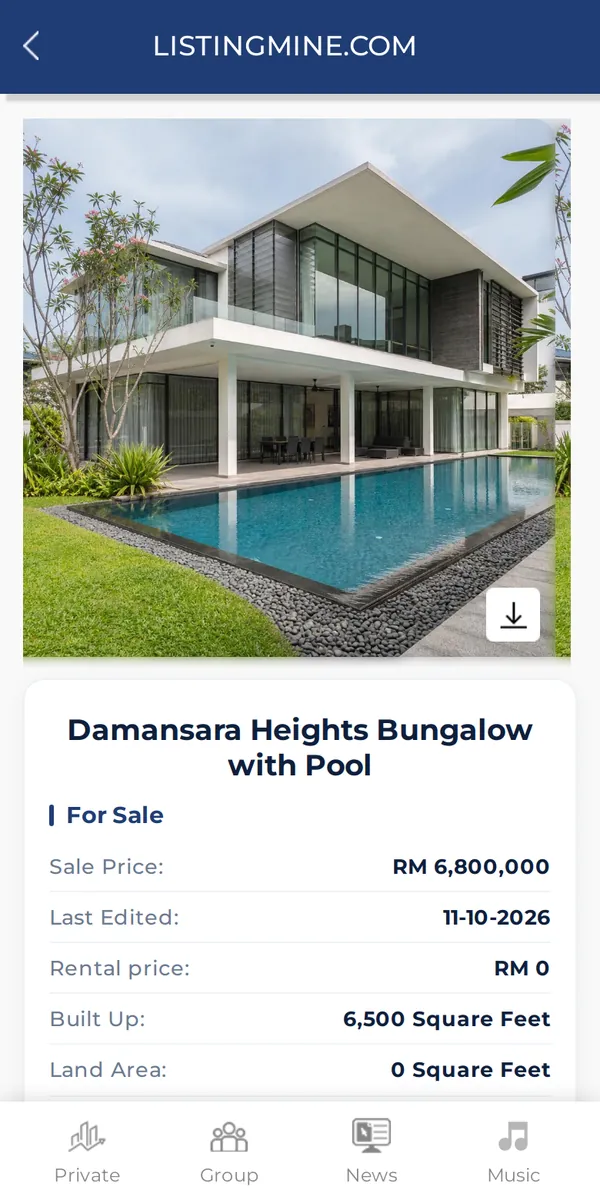
Call or WhatsApp the owner, edit or delete, and decide where it is shown.

Why it matters: One listing, many channels, all from one place.

  1. Share: send a link to buyers (you can hide the owner's details)
  2. PropertySifu.com and NearbyPost.com: switch on or off
  3. Widget: show it on your own website widget
  4. Co-broke: offer it to other agents
Inside a listing — ListingMine Private screen

Screens show a demo agency with made-up names and listings.